




How To Use A Quick Hitch On A Yanmar Excavator (2.5T To 10T)
Swapping attachments on site should be fast and straightforward. On Pronto Hire's Yanmar excavators, from the 2.5T right through to the 10T, the quick hitch system is designed to make that happen with minimal fuss. But like any system on a machine, doing it properly matters.
This guide walks you through exactly how to remove and reattach a bucket using the Yanmar quick hitch, including the safety steps that need to happen before you touch anything.
Before You Begin: Safety Basics
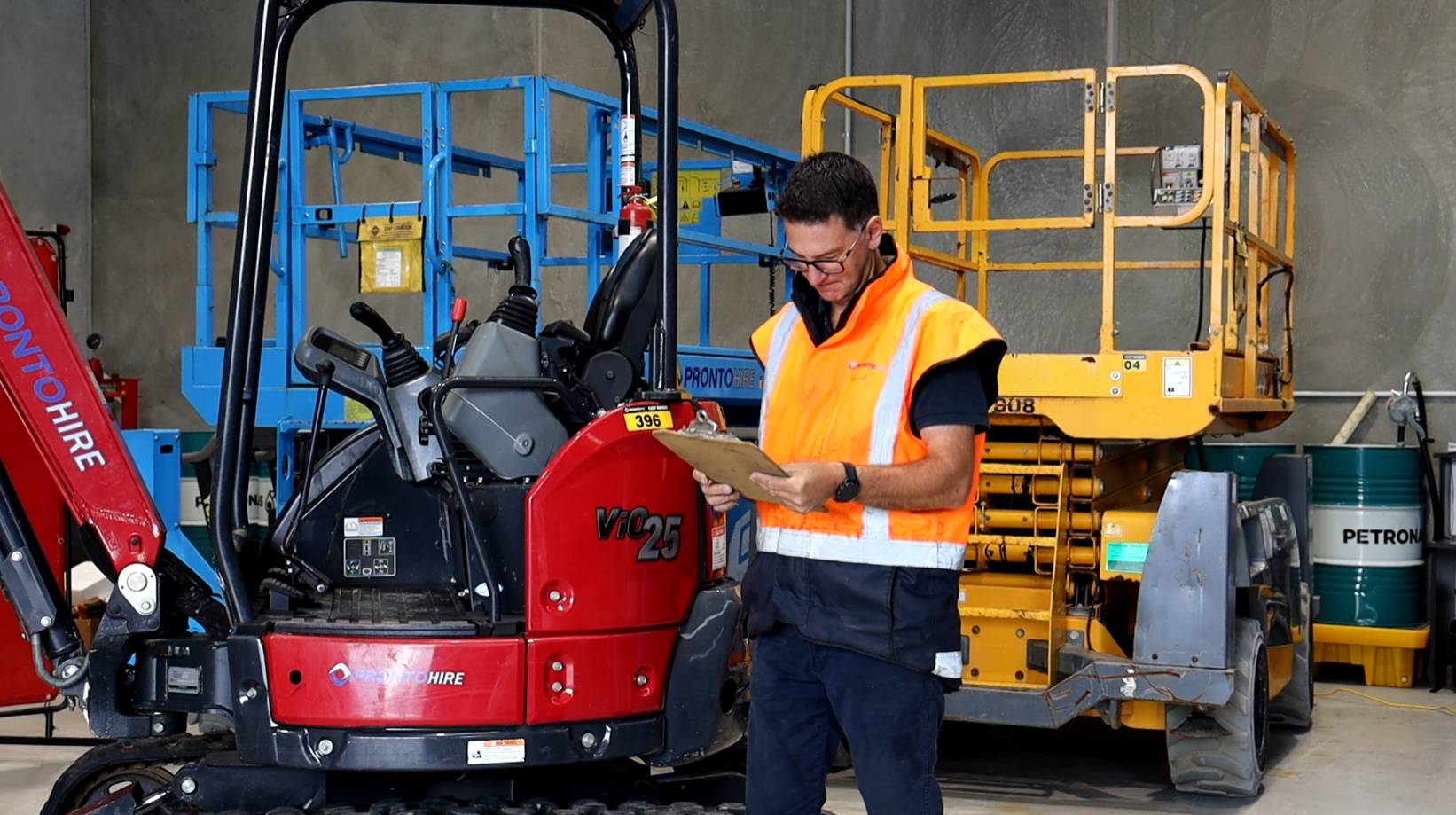
Before doing anything with the quick hitch, make sure you are on reasonably flat ground and that nobody is within the swing area of the machine. Both of those matter. A level surface keeps the machine stable during the process, and a clear swing area means nobody is at risk if anything moves unexpectedly.
Get those two things sorted first, every time.
What Makes the Yanmar Quick Hitch Different
One thing worth knowing before you start: Pronto Hire's Yanmar excavators from 2.5T to 10T do not have a manual locking pin. Instead, they use an automatic double locking system.
The way it works is that the secondary safety lock will not release unless it receives a signal from the cab. That means even if you lose all hydraulics, the safety tab will keep the bucket locked on. It is a solid system, but it also means the process is slightly different from machines with a manual pin. Follow the steps below and it is straightforward.
Removing the Bucket
Step 1: Position the bucket
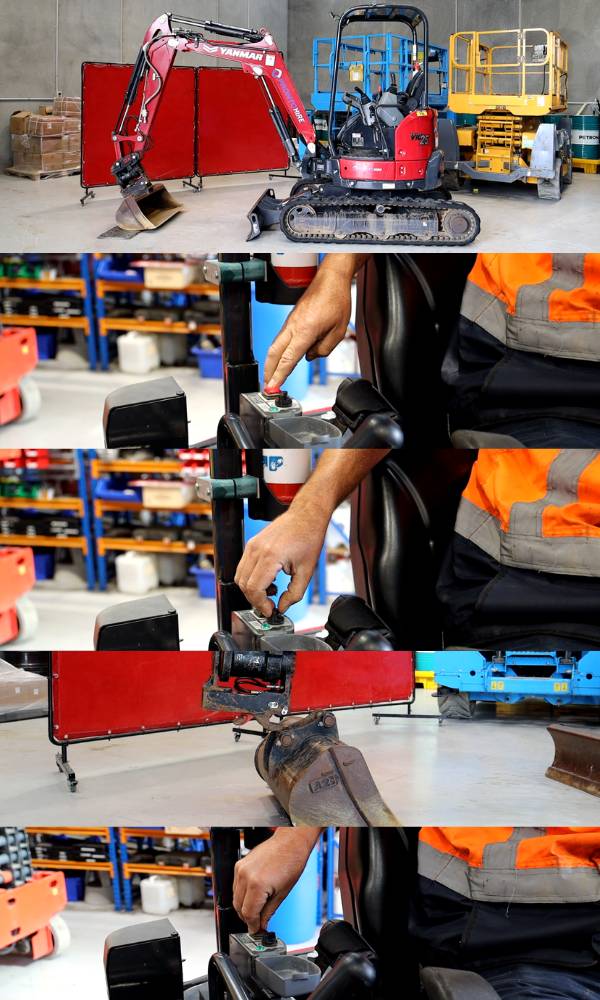
Put the bucket down flat on the ground and take the weight off the pins. This allows the hitch to remove freely without binding.
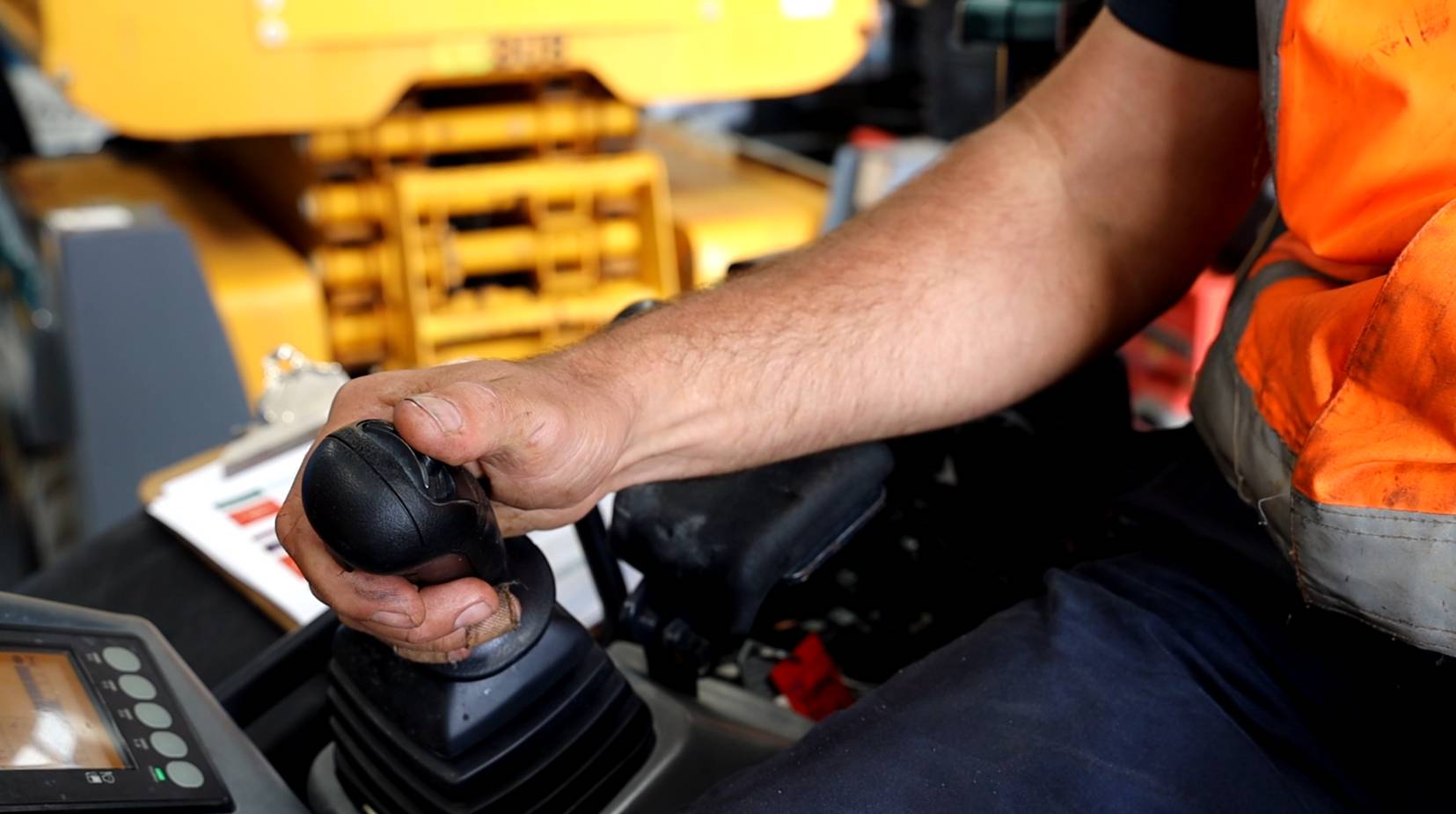
Step 2: Activate the quick hitch control box
The quick hitch control box is in the cab. Flip the cover over, then activate the power by pushing the red button. You will hear a tone, which tells you the quick hitch has power.
Step 3: Set the dial to dismount
Twist the dial to the dismount position. The pins will retract. While the system is buzzing, do not attempt to lift any loads. The bucket may or may not be secure at this point.
Step 4: Retract and roll off
Let the quick hitch retract fully and roll clear of the bucket.
Step 5: Turn the cab switch off
Once the bucket is clear, turn the quick hitch power off.
Attaching a Bucket
Step 1: Activate the power and set to dismount
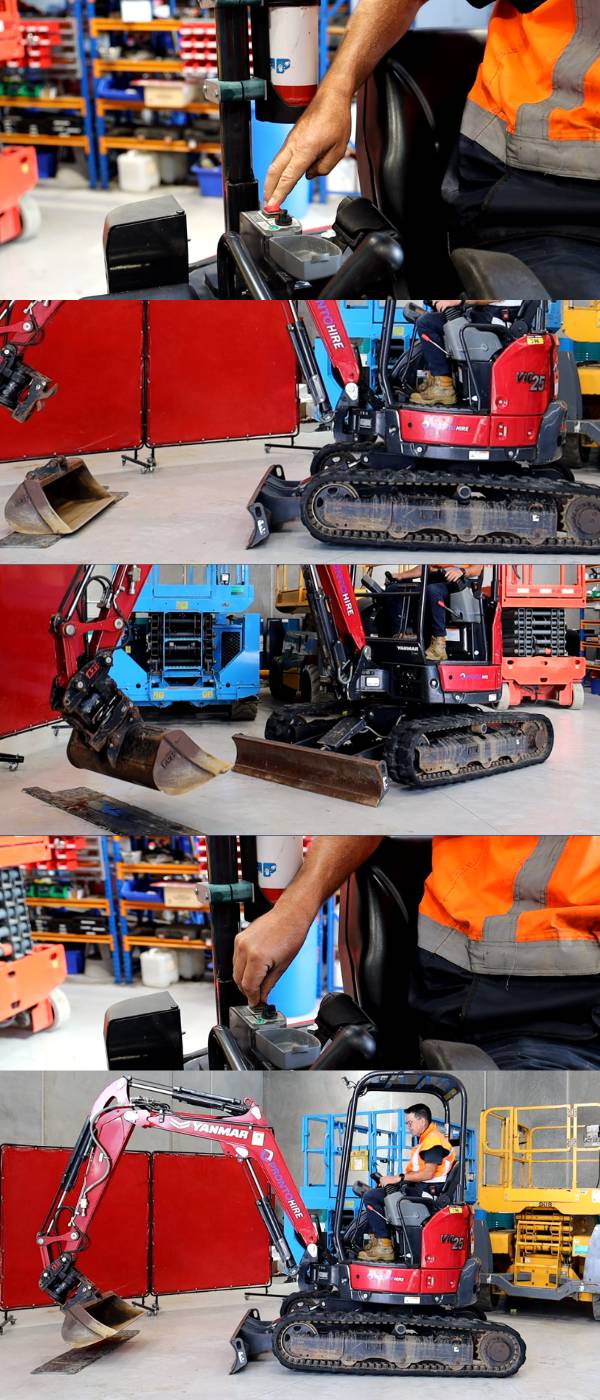
To attach a bucket, you work through the process in reverse. Start by activating the quick hitch power. Make sure the coupler is set to dismount so the hooks are retracted before you try to engage.
Step 2: Align the coupler hooks to the bucket
With the hooks retracted, you can line up and hook onto the front pin of the bucket.
Step 3: Crowd the bucket around
Crowd the bucket up and around slightly to seat the front pin properly.
Step 4: Set the lever to mount
Set the coupler to the mount position. You will see the rear hook extend out and lock onto the rear of the bucket.
Step 5: Engage the lock
Turn the quick hitch power off. This engages the secondary safety lock.
Step 6: Safety check
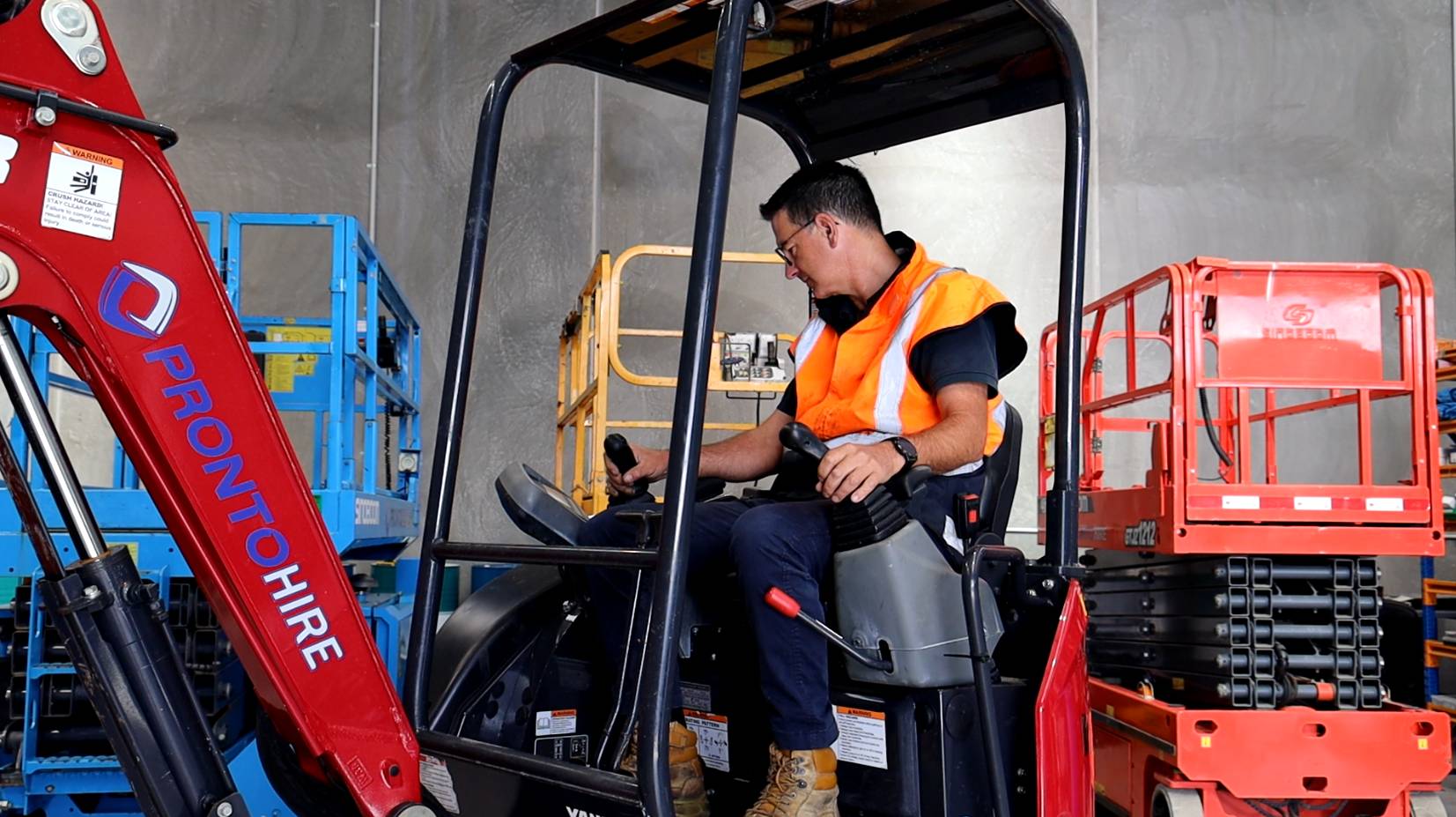
Do a quick safety check before you do anything else. Jiggle the bucket to make sure the pin has caught. Another method is to apply a small amount of pressure and crowd out slightly. If the pin is locked on securely, it will hold. If something does not feel right, do not proceed.
Step 7: Good to go
Power off the quick hitch, complete your safety check, and you are ready to work.
Quick Hitch Safety Checklist
Before every attachment change, run through this:
Flat ground: Is the machine on level, stable ground before you start?
Clear swing area: Is there anyone within the swing radius of the machine?
Bucket flat: Is the bucket positioned flat on the ground with the weight off the pins?
Power confirmed: Have you heard the tone from the control box confirming the quick hitch has power?
No loads while buzzing: Have you avoided lifting anything while the system is buzzing after dismount?
Safety check done: Have you jiggled the bucket or applied pressure to confirm the pin is seated after attaching?
Do Yanmar excavators have a manual locking pin on the quick hitch?
No. Pronto Hire's Yanmar excavators from 2.5T to 10T use an automatic double locking system. The secondary safety lock will not release unless it receives a signal from the cab, so there is no manual pin to deal with.
What does the buzzing sound mean during a quick hitch operation?
The buzzing means the quick hitch is in the process of retracting or extending. While you can hear that tone, do not attempt to lift any loads. The bucket may not be fully secured at that point.
What happens if the machine loses hydraulics while a bucket is attached?
The automatic double locking system means the safety tab will keep the bucket locked on even if hydraulic pressure is lost. The secondary lock only releases when it receives a signal from the cab.
How do I know if the bucket is properly secured after attaching?
There are two ways to check. First, give the bucket a jiggle. Second, apply a small amount of pressure and crowd out slightly. If the pin is locked on properly, the bucket will hold firm. If anything feels loose, do not operate the machine.
Can I change attachments on uneven ground?
It is not recommended. Flat, stable ground is a safety requirement before operating the quick hitch. Uneven ground increases the risk of the machine or attachment moving unexpectedly during the process.
Does this process apply to all excavators in the Yanmar range?
This guide covers the process for Pronto Hire's Yanmar excavators from 2.5T to 10T. All machines in that range use the same automatic double locking quick hitch system and the same cab control box process.
What attachments can I run on these machines?
Buckets are the most common, but the quick hitch is designed to work with a range of attachments including augers, rock breakers, and compaction plates depending on the machine size. Talk to the team about what suits your job.
Need a Yanmar Excavator for Your Next Job?
Pronto Hire's Yanmar range is available for hire across Auckland, Waikato, and Northland, with fast delivery, 24/7 breakdown support, and the team on hand to answer questions about the right machine or attachment for the work.
📧 hire@prontohire.co.nz 📞 0800 PRONTO (77 66 86) 🌐 prontohire.co.nz 📍 Warkworth: 34 Goatley Road | Silverdale: 86 Forge Road
Similar
Articles
Donation
Request
While we appreciate the many causes that reach out to us, we are not able to support every request we receive. We carefully evaluate each opportunity to ensure alignment with our mission and resources. Thank you for your understanding.
Request
hire
Make an
enquiry

